An AI chatbot for your small business: what it can do, and what it shouldn’t
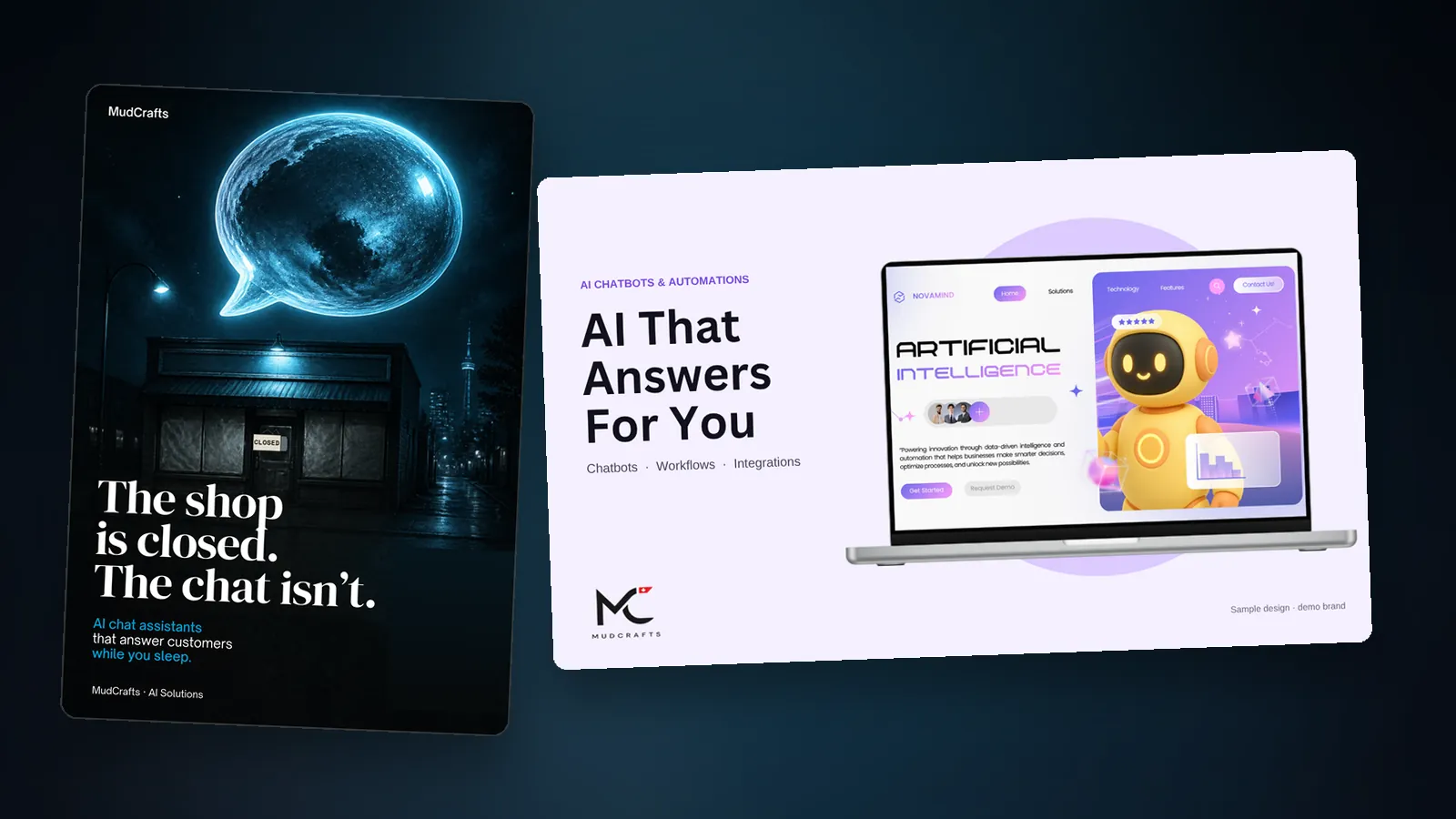
A practical look at AI chatbots for small business: good first jobs, what to keep human, how to set one up sensibly, and the privacy questions to ask.
It’s 9:40 on a Sunday night. A customer wants to know if you’re open tomorrow, whether you deliver, and if the blue one comes in a medium. You’re asleep, or at your kid’s recital, or finally eating dinner.
By the time you reply in the morning, that customer may have bought from somebody else. That’s the pain a chatbot is meant to fix. Done well, it’s a helpful front desk that answers the simple stuff at any hour. Done badly, it’s an annoying robot that sends people away.
Here’s how to tell the difference, and how to start small.
What a chatbot actually is
A chatbot is software that chats with your customers in a window on your website, on WhatsApp, on Facebook or Instagram messages, or somewhere similar. Some follow a fixed script (“Press 1 for opening hours”). Others use AI to understand a question written in normal language and answer from the information you’ve given them.
The second kind is more flexible, but it’s only as good as what it knows and how you’ve set it up. That’s what the rest of this post is about.
Start with one job
The biggest mistake is asking a chatbot to do everything. Pick one job and do it well. Good first jobs for a small business:
- Answering common questions: opening hours, location, delivery areas, how booking works, what’s included.
- After-hours enquiries: collecting a name, a contact number and what the person needs, so you can follow up in the morning.
- Booking and appointments: helping people pick a time, or collecting requests for you to confirm.
- Order questions: “Where’s my order?” or “Do you have this in stock?” (this one needs a connection to your store, so it’s a bigger job).
- Pointing people to the right page, such as a price list, a menu or a service description.
Write the job down in one sentence. “This chatbot answers our five most common questions and takes messages after hours.” If you can’t say what it’s for, it’s not ready to build.
Think about what it shouldn’t do
Just as important is what you keep human. Be careful about letting a chatbot:
- Quote prices or promise things that you haven’t given it exact, current information about. A wrong price or an invented promise is worse than no answer.
- Handle complaints or sensitive situations. An upset customer wants a person.
- Give advice in areas that need expertise, such as medical, legal or financial matters.
- Make decisions about refunds, exceptions or special deals.
For all of these, a good setup hands over to you smoothly: “I’ll pass this to the team. Can I take your number?”
The ingredients of a chatbot that works
1. Good information. The bot should answer from your real, up-to-date content: your services, hours, policies, FAQs. Gather this first. Writing the answers is most of the work, and it’s useful even if you never build a bot.
2. A clear personality. It should sound like your business. Friendly or formal, brief or chatty. It’s worth thinking about, because it’s the first thing a customer will notice. (If you’ve done the exercise in our post on branding decisions, you already have your voice words.)
3. An honest introduction. Say it’s an automated assistant. People are happy to use one when they know what they’re getting.
4. A way out. Always offer a human option: a phone number, an email, a “talk to someone” button. Nobody likes being stuck in a loop.
5. Boundaries. Tell it what to say when it doesn’t know. “I’m not sure about that one. Let me get someone to help you” is a perfectly good answer.
Test it like a customer
Before you launch, spend an hour trying to break it. Ask the questions you actually get, then the odd ones. Ask something it shouldn’t answer. Misspell things. Ask in a different way. Show it to a friend or a staff member and watch where they get stuck.
Write down any wrong or weak answer and fix it. Keep checking after launch: read the real conversations every week at the start. They’re a free education in what your customers actually want to know.
Before a chatbot: what WhatsApp Business already gives you
If your customers already message you on WhatsApp, you might not need a bot at first. WhatsApp’s own feature list for its Business app includes a business profile (with logo, description, hours and website), greeting messages for new conversations, away messages for outside your hours, quick replies for questions you answer often, and labels to organize chats. It also lists catalogs for showing products and services.
That’s a lot of the “front desk” work, with no custom build. A simple setup of a greeting, an away message and a handful of quick replies can take the pressure off while you work out whether you need something smarter. When you outgrow it, that’s the time to look at a custom assistant.
Privacy: the part people forget
A chatbot collects information: names, phone numbers, emails, sometimes more. That makes it a privacy matter, and the rules depend on where you and your customers are.
In Canada, for example, the federal privacy law PIPEDA applies to private-sector organizations that collect, use or disclose personal information in the course of commercial activity, and it sets out 10 fair information principles, including consent, limiting collection and safeguards. Some provinces have their own laws too. Other countries have their own rules, so check the ones that apply where your customers live.
Good habits wherever you are:
- Tell people what you collect and why, in plain words, near where they type it.
- Only collect what you need. If you don’t need a birth date, don’t ask.
- Know where the information goes, who can see it and how long you keep it.
- Ask your provider where data is stored and what they do with it.
- Don’t let customers share sensitive details in chat unless you’ve planned for it.
We’re not lawyers, so if your business handles sensitive information, get proper advice.
How to know if it’s working
Keep it simple. After a month, ask:
- Are the questions it answers the ones we hoped it would?
- Are customers getting to a person when they need one?
- Are we getting useful messages in the morning that we’d have missed?
- Are there questions it keeps getting wrong? (Update the information.)
- Are customers happier, or just less able to reach us? (Be honest with yourself.)
If the answers are good, add one more job. If not, fix the basics before expanding.
When to bring in help
You can get a long way with the free tools inside the platforms you already use. If you need something that answers from your own content, connects to your booking or store system, or works across your website and messaging apps, that’s where a custom build helps. It’s what our AI bots, agents and automations work covers, and it pairs well with a solid website or online store for the bot to live on.
Curious how a chat helper feels? Say hi to Muddy in the chat on this page.
Next step
Got a repeat question that eats your evenings? Tell us about it or ask Muddy. We’ll tell you whether a bot is the right fix, or whether a quick-reply and a clearer FAQ page will do the job.
Questions people ask
What can an AI chatbot do for a small business?
A chatbot can answer the simple stuff at any hour. Good first jobs are common questions such as opening hours, location and delivery areas, taking messages after hours, helping with bookings, and pointing people to the right page. Order questions need a connection to your store, so they are a bigger job. Pick one job, write it down in one sentence, and do it well.
What should a business chatbot not be allowed to do?
Be careful about letting a chatbot quote prices or promise things unless you have given it exact, current information. Keep complaints and sensitive situations with a person. Do not let it give medical, legal or financial advice, or decide refunds, exceptions or special deals. For all of these, a good setup hands the conversation over to you and takes a contact number.
Do I need a chatbot if my customers use WhatsApp?
Maybe not at first. WhatsApp’s own feature list for its Business app includes a business profile, greeting messages, away messages, quick replies, labels to organize chats, and catalogs. A greeting, an away message and a handful of quick replies can take the pressure off while you work out whether you need something smarter. When you outgrow that, look at a custom assistant.
What privacy rules apply to a chatbot that collects customer details?
The rules depend on where you and your customers are. In Canada, the federal privacy law PIPEDA applies to private-sector organizations that collect, use or disclose personal information in the course of commercial activity. Its fair information principles include consent, limiting collection and safeguards. Tell people what you collect and why, only collect what you need, and get proper advice if you handle sensitive information.
Sources
- WhatsApp’s own feature list for its Business app whatsappbusiness.com
- 10 fair information principles priv.gc.ca
Links opened and read on 14 November 2026.